




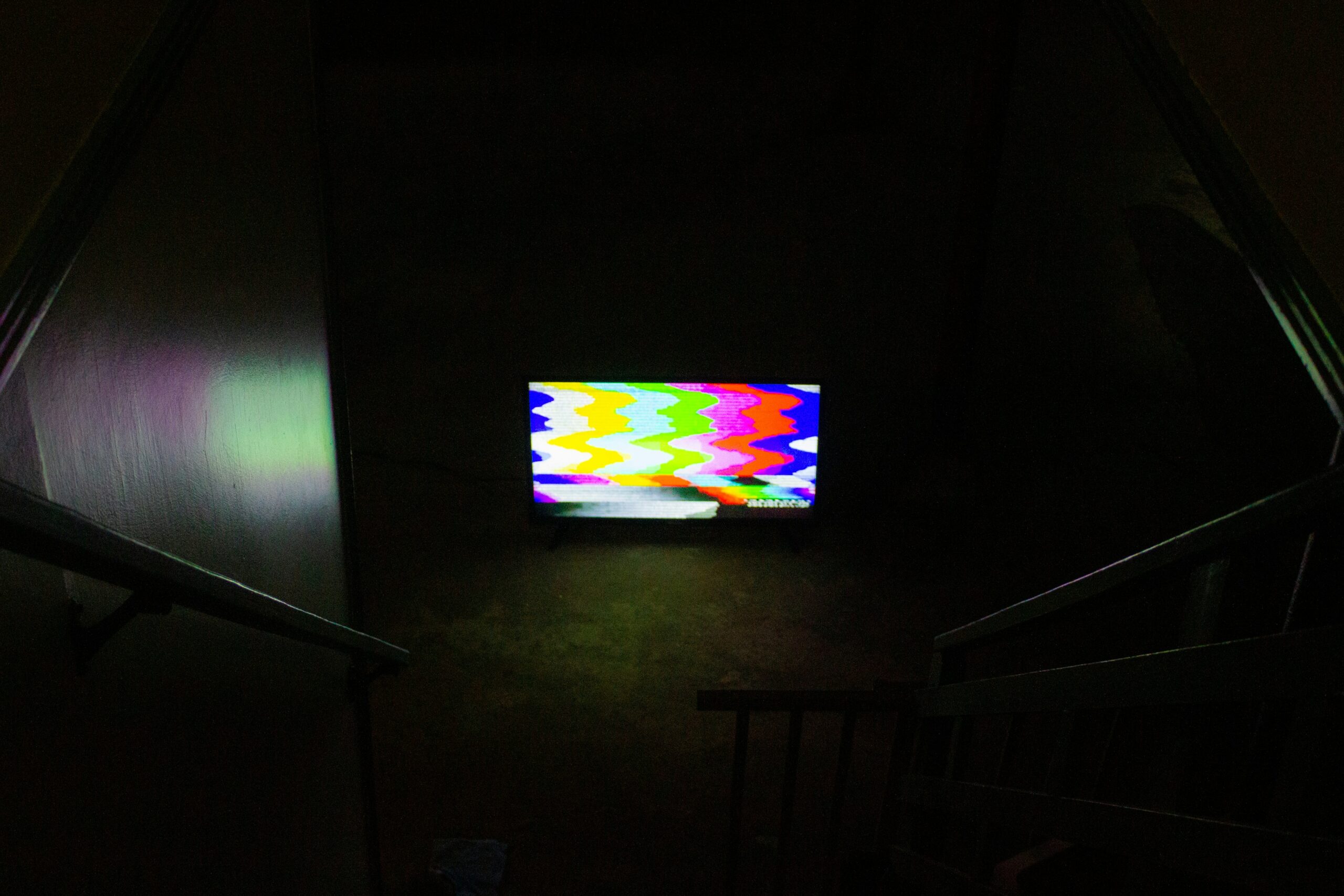
Nothing is more frustrating than a person settles down on the couch to watch his favorite show when the TV turns into a tier of squirms. You cannot have a clear picture and what you are left with are squares and blocks which you will find difficult to concentrate on anything. It really drags the buzz.
But there is no need to worry because it is a common issue, and in the majority of cases, it is solvable. It could be weak signals, poor connection, or even glitches in the program, whatever the case is, we are here to demystify the reason behind it and how you can fix the problem. No one needs to be tech savvy in order to restore his/her picture!
Can Pixelation Be Fixed?
Yes, absolutely! In the large majority of cases, all one needs is several simple steps in order to resolve the issue of pixelation. The cause could be a loose HDMI cable or poor satellite signal, in both cases all that is needed is to tighten the cable or get a new one in either case and you are ready.
Assuming that you stream, then this may be as a result of bad Wi-Fi. Attempt raising your router or connecting to an optic cable. Occasionally, the only thing that is required in your TV is a software upgrade. In case you have done these and they have not helped in any way, then there may be a more serious problem with the hardware of the TV, which is very unlikely, and it always turns out to be a job the professionals can handle.
Common Causes of Pixelation
So, what causes pixelation in the first place? There are a few common reasons this happens:
- Weak Signal: If you’re using cable or satellite, a weak signal is one of the biggest causes. Bad weather or damaged cables can make things worse, leading to pixelated images.
- Loose or Faulty Cables: Cables can wear out over time. If your HDMI or coaxial cables aren’t securely connected or have damage, that can mess with the data being transmitted to your TV.
- Streaming Issues: If you’re streaming shows or movies, a slow or unstable internet connection can cause pixelation. Buffering, blurry videos, or low-quality streams are all signs of connectivity problems.
- Outdated Software: TVs need software updates, just like any other tech. If you haven’t updated your TV in a while, glitches and bugs can pop up, causing the picture to look off.
- Hardware Problems: If none of the above work, it could be something internal, like a malfunctioning screen or video processor. These issues are rare but usually need a technician to fix them.
Quick Fixes to Try
Before you call in a repair person, try these simple fixes:
- Check Cable Connections
Make sure all your cables—HDMI, coaxial, etc.—are securely plugged in. If a cable is worn out, try swapping it with a new one. - Switch to a Different Source
Test a different input on your TV, like a streaming app, Blu-ray player, or another HDMI port. If the pixelation only happens on one source, the issue might be with that device. - Check the Signal Quality
If you’re using cable or satellite, check the signal strength. If it’s low, try adjusting your antenna or contact your service provider for help. - Improve Your Internet Connection
For streaming, slow or spotty internet can cause pixelation. Try restarting your router, moving it closer to your TV, or using an Ethernet cable for a stronger, more stable connection. - Update Your TV’s Software
Check for any available software updates for your TV. These updates can fix bugs and improve performance. - Power Cycle Your TV
Turn off your TV, unplug it for a minute, then plug it back in and turn it on. It’s an easy way to reset things and fix minor glitches. - Reset to Factory Settings
- As a last resort, you can reset your TV to its factory settings. This clears out any software bugs that might be causing the issue.
Keep Your TV Updated
It’s super important to keep your Smart TV up to date. Software updates not only fix bugs but also add new features and improve the overall performance of your TV. To check for updates, go into the settings, find “System” or “Support,” and look for the “Software Update” option.
If your TV has automatic updates, turn that on so you never have to worry about it. Just make sure not to unplug or turn off your TV while it’s updating.
The Role of Internet Speed in Pixelation
The speed of your internet connection is very important with respect to the streaming ability of your television set. When your speed is not fast enough, it may cause pausing, blurries, or poor video quality. Streaming services also tend to reduce the video quality when your internet connection is slow in order to maintain an acceptable performance and that is the main reason why you get such blocky and blurry images.
HD streaming is best at a minimum of 5 Mbps and a 4K stream should be set at 25 Mbps or more. That can slow things down, too if other devices are trapping the network. To have a better experience, you can use a wired connection, or change the physical position of your router near the TV or even change your internet package.

Checking Your Cables
A lot of times, pixelation happens because of bad connections. To check:
- Turn off your TV and unplug it.
- Inspect all the cables (HDMI, coaxial, etc.) for any visible damage. Look for fraying or dirt buildup.
- Plug everything back in securely, making sure there are no loose connections.
- If the pixelation still happens, try a different HDMI port or cable.
Adjusting Your TV’s Settings
Sometimes, a quick tweak in your TV’s settings can reduce pixelation. Here’s what to try:
- Resolution: Make sure the resolution is set correctly for the content you’re watching (e.g., 1080p for HD, 4K for 4K content).
- Picture Settings: Turn off motion smoothing or dynamic contrast, as these can make pixelation worse. Enable “Noise Reduction” if your TV has that option.
- Aspect Ratio: Set it to “Auto” or “16:9” to match most content.
When to Call a Professional
If you’ve tried everything and the pixelation is still there, it might be time to call in a pro. But before you do, make sure you’ve done all the basics:
- Check all cables.
- Make sure your internet connection is solid.
- Test different inputs and sources.
Wrapping It Up
The pixelation can be a massive pain in your neck but in majority cases, this is a problem that you can resolve on your own. It can be rearrangement of cables, software updates, or the enhancement of your Internet connection, but the list of possibilities is long.
When you have exhausted all means and still the problem persists, then a service technician will be of assistance, especially in the case of a hardware problem. With some amount of care and attention, you will soon find yourself in front of your TV watching your most loved shows with no disturbance over time.