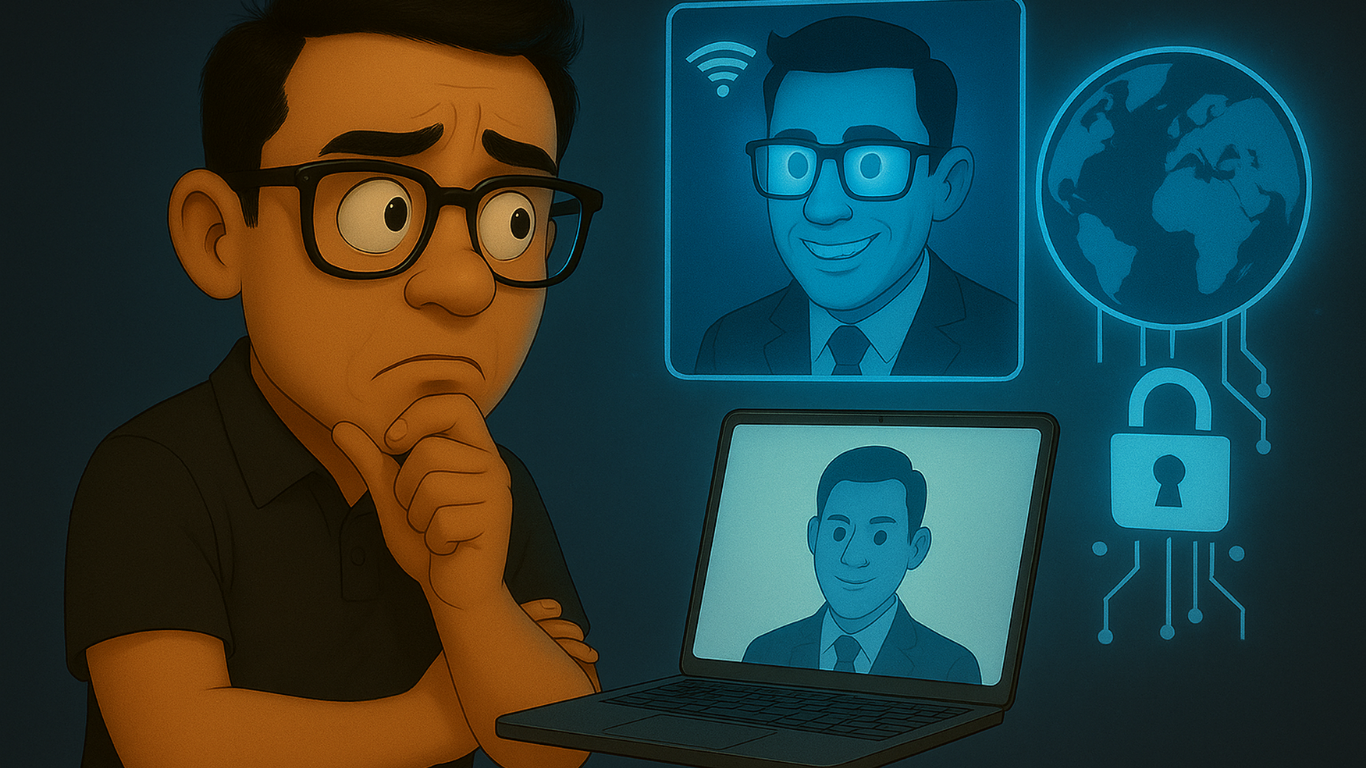




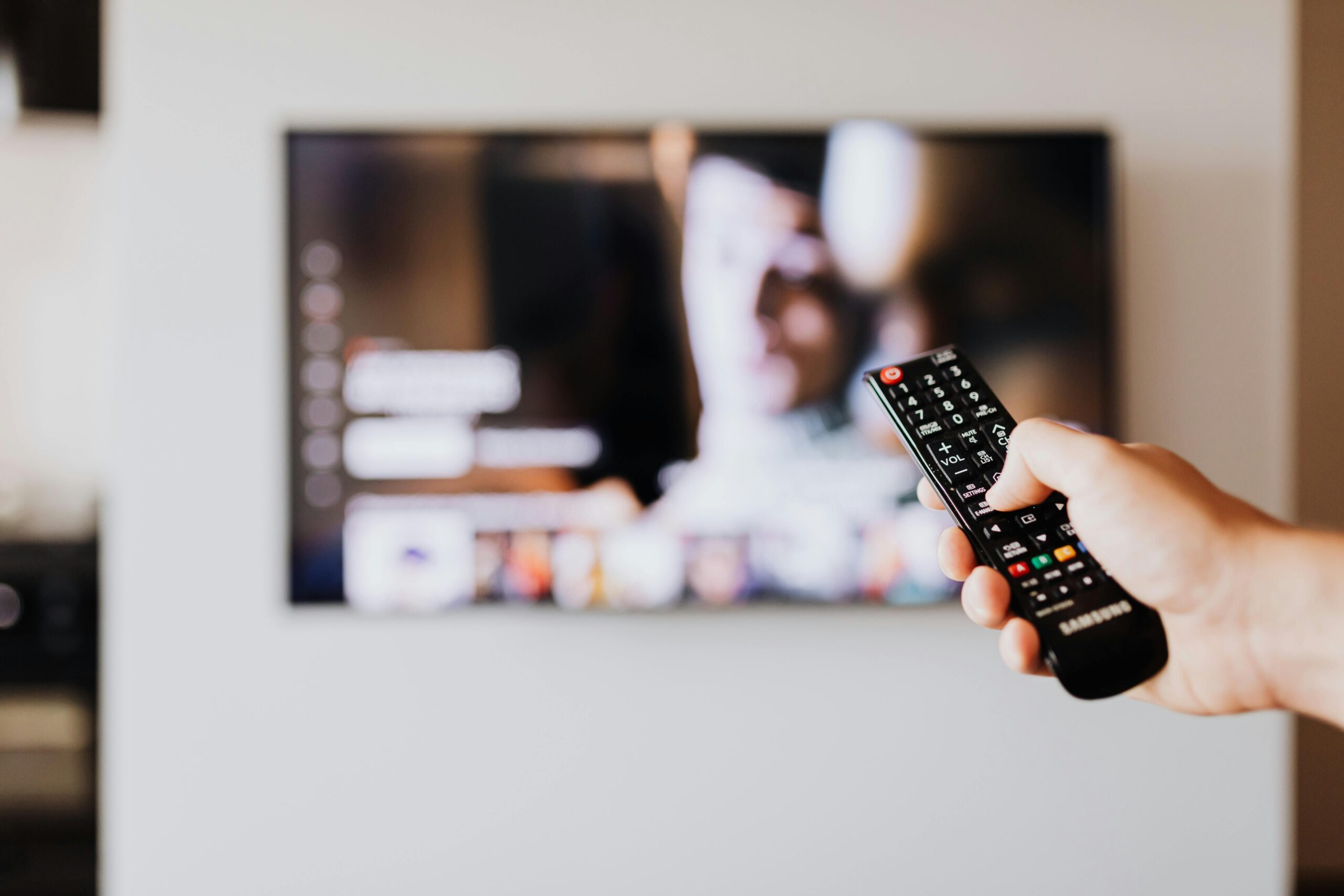
Smart TVs have become an important part of most homes, providing both convenience and entertainment. However, being smarter, they might become threats to your privacy as well. Most smart television sets come with an in-built camera and microphone that can be hacked in case they are not adequately secured. That someone is spying through your television may seem creepy, but you can do your part to prevent that.
Minor changes as well as knowledge can create a tremendous impact to keep your home private. This article will discuss tips and tricks of experts on how to make your smart TV safe so that nobody can peep around and your personal information is also safe. Having said that, you should not become vulnerable; you only need to follow these simple precautions to ensure a safer experience.
Do Smart TVs Have Hidden Cameras? Exploring the Facts
Smart TVs today are vast with such features as streaming services, as well as voice control, among others. But then, along with the developments, some privacy issues also arise. The last question that arises frequently is whether smart TVs contain any hidden cameras that might violate your privacy. Although the concept of the spy camera is frightening, it is important to understand that the majority of the smartest televisions lack surveillance cameras.
Are Cameras Built into All Smart TVs?
Some smart TVs do include cameras, but they are not typically hidden. These cameras are often used for specific functions such as video calling, gesture control, or facial recognition. For example, certain models allow you to make video calls directly from your TV or even control it with hand gestures. However, these cameras are typically visible and are placed in plain sight, usually at the top of the screen or in the TV’s bezel. They are not designed to secretly monitor you.
How to Protect Your Privacy?
If you’re worried about someone using your smart TV to spy on you, there are simple steps you can take to protect your privacy. First, check if your TV has a camera. You can often find this information in the user manual or product specifications. If your TV has a camera, make sure to disable it when not in use.
Additionally, covering the camera with tape is an easy solution. Be sure to also review your TV’s privacy settings and disable any features like voice recognition or facial tracking that could potentially track your movements. Taking these precautions will help ensure that your TV isn’t a source of privacy concerns.
How to Detect Hidden Cameras in Your Smart TV
The concerns about privacy are becoming greater, and many individuals ask questions about the possibility of their smart TV being stuffed with cameras that may be spying on them. Although it is important to note that most smart TV sets are not created with a hidden built-in camera, one should understand how to spot it in case of a strange situation. These are some of the ways through which you can determine whether there is a spy camera on your smart TV or not.
Check the TV’s Physical Appearance
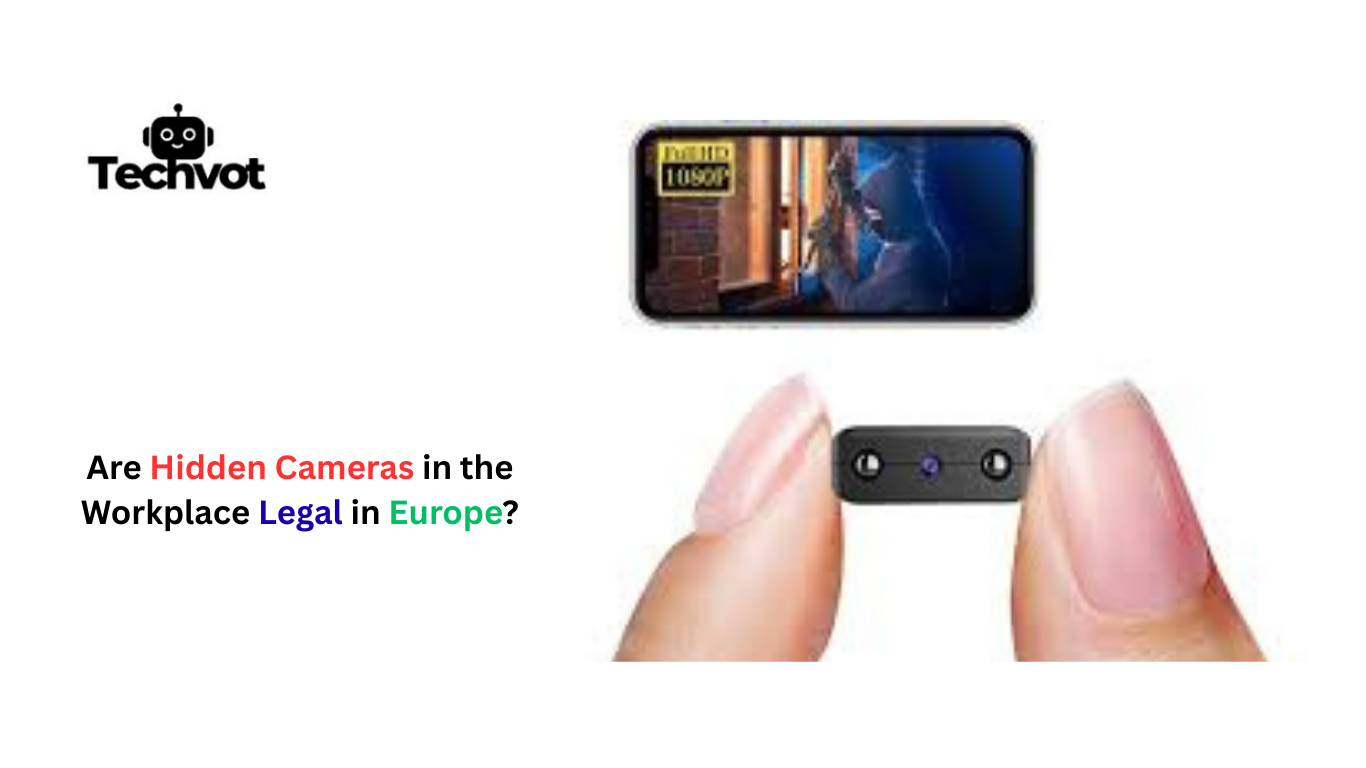
First, inspect the TV closely for any small, lens-like features. Many smart TVs with cameras have small lenses at the top of the screen or near the bezels. If there’s something that looks like a camera, check the user manual or product specifications to confirm its function.
Review Your TV’s Settings
Explore the settings on your TV to see if there are any camera-related features. Look for options like video calling, facial recognition, or gesture control. If these are enabled, your TV might have a built-in camera that can be disabled or covered for extra security.
Use a Flashlight
Turn off the TV and shine a flashlight around the edges of the screen. If there’s a hidden camera, the lens may reflect light, making it easier to spot.
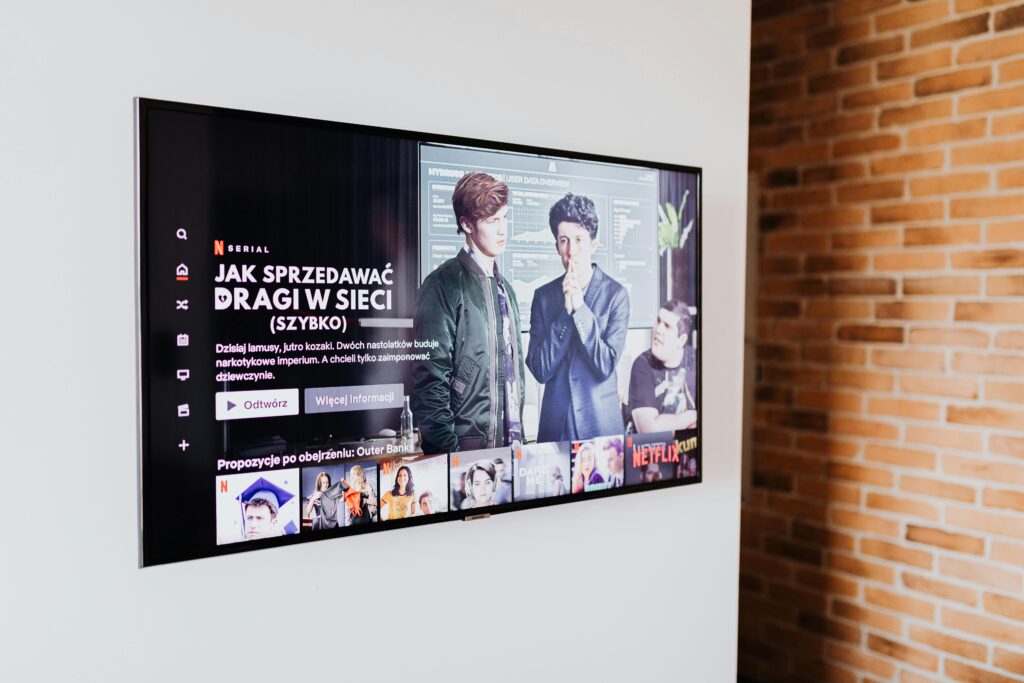
Protecting Your Privacy: Disabling Smart TV Cameras and Microphones
Smart TVs are very convenient, but they also touch on the aspect of privacy, particularly the in-built cameras and microphones. This is being projected as a capability to do video calls, carry your voice passage, or detect motion, but probably it can also potentially track your footsteps or conversations. These are all the simple steps towards guarding your privacy by turning these features off.
Disabling the Camera
Many smart TVs come with built-in cameras for functions like video calling and gesture control. If you’re not using these features, it’s a good idea to disable the camera. You can usually do this in the TV’s settings menu under privacy or camera settings. Some models may allow you to completely turn off the camera or simply deactivate the functions that use it.
Turning Off the Microphone
Smart TVs also come with microphones for voice commands, enabling features like voice search. While convenient, they can listen to your conversations. To protect your privacy, go to your TV’s settings and find the microphone settings. You can either turn off voice control features or mute the microphone entirely when not in use.
Additional Privacy Tips
Consider covering the camera with a piece of tape or disabling features like facial recognition. Regularly check for software updates to ensure your privacy settings are up to date.
The Risks of Smart TV Surveillance and How to Mitigate Them
Smart TVs are designed to enhance user experience with advanced features like voice control, personalized content, and video calling. However, these devices can also present privacy risks due to built-in cameras, microphones, and internet connectivity.
Privacy Risks:
- Unauthorized Access: Smart TVs with cameras and microphones can be accessed by hackers, exposing your private moments if compromised.
- Data Collection: Many smart TVs collect data about your viewing habits, voice commands, and even facial recognition, which can be shared with third-party companies, leading to potential misuse.
- Malicious Apps: Some third-party apps may exploit vulnerabilities to gain access to your camera or microphone without your knowledge.
How to Mitigate Risks:
- Regular Software Updates: Keep your TV’s firmware up to date to ensure any known security vulnerabilities are patched.
- Disable or Cover the Camera: If your TV has a camera, cover it with tape or disable it in the settings when not in use.
- Review App Permissions: Check the permissions granted to each app on your smart TV, and disable access to unnecessary features like voice or camera.
- Secure Network: Connect your TV to a secure Wi-Fi network, use a VPN for added privacy, and avoid public or unsecured networks.
Smart TV Security Settings: What You Need to Know
Smart TVs offer a variety of features such as streaming services, internet browsing, and voice commands, but these conveniences can also expose your device to cyber threats. Protecting your smart TV through proper security settings is essential to ensure your privacy and data remain safe.
Change Default Passwords
Many smart TVs come with factory-set default passwords that are easy for hackers to guess. Always change these passwords to strong, unique ones. This simple step can greatly reduce the risk of unauthorized access to your device.
Disable Unused Features
Smart TVs are equipped with features like voice recognition, cameras, and Bluetooth that can be exploited by malicious parties. If you don’t use these features, it’s a good idea to turn them off. You should also disable location services and other settings that track your activity.
Enable Automatic Software Updates
Manufacturers regularly release software updates to address security vulnerabilities. Make sure your TV is set to automatically install updates so that you always have the latest security patches.
Use a VPN
A Virtual Private Network (VPN) encrypts your internet traffic, preventing hackers from intercepting your data. Using a VPN on your smart TV can help protect your online activity and sensitive information.

Alternative Devices: Streaming Without Privacy Concerns
While smart TVs offer convenient streaming options, they also come with privacy risks. If you’re concerned about data collection and security, alternative devices can help you stream content without compromising your privacy.
Streaming Sticks and Boxes
Devices like Roku, Amazon Fire TV Stick, and Apple TV provide a more secure streaming experience. These devices often have fewer built-in features that could compromise your privacy and allow for more control over settings. They also receive regular software updates to fix security vulnerabilities.
Gaming Consoles
Modern gaming consoles, such as the PlayStation and Xbox, are capable of streaming content through apps like Netflix, Hulu, and YouTube. While they may have some privacy concerns, you can adjust privacy settings more easily and enjoy a more secure streaming experience than a smart TV.
Media Servers
Another alternative is setting up a personal media server using devices like the NVIDIA Shield or Raspberry Pi. This way, you can stream content stored locally without exposing your personal data to third-party apps.
Legal Implications of Smart TV Surveillance
Smart TVs offer a wide range of features, including internet connectivity and voice commands, but these features can raise significant legal concerns regarding surveillance and data privacy.
Data Collection and Consent
Smart TVs collect a variety of data, such as viewing habits, voice commands, and location information. This data can be sold to advertisers, raising concerns about informed consent. Users may unknowingly consent to such practices through vague privacy policies, which could violate data protection laws.
Unauthorized Surveillance
Some smart TVs have built-in cameras and microphones that can be accessed remotely if not properly secured. This could lead to unauthorized surveillance, potentially violating privacy laws, such as the GDPR in Europe or CCPA in California.
Legal Accountability
Manufacturers must comply with privacy regulations, and failure to do so can result in legal repercussions. As surveillance capabilities increase, governments may implement stricter regulations to protect consumers’ privacy.
The Last Thoughts
Smart TVs are not only convenient but also a possible privacy risk. Although they access flawless streaming and intelligent capabilities, their surveillance features are also quite problematic. Illegal access to data is the risk of distant monitoring; the individual should take care of their privacy.
It would be important to learn about the legal ramifications of TV surveillance through smart TVs as a way of supporting these issues. Producers also need to guarantee that their products have a data security measure so that consumers are also active in altering security settings, including turning off presumable features and connecting using safe networks.
Technology is constantly changing, and both the users and regulators will have to adjust to make sure that privacy is observed. By staying informed and adhering to the necessary precautions, individuals can enjoy the advantages of smart TV without jeopardizing their privacy and personal data.
Some smart TVs come with built-in cameras for video calls and gesture control, but not all models include them.
Look around the TV’s frame for a small lens or consult the user manual. If it has one, it’s usually near the top edge.
Yes, if your TV is connected to the internet and not secured, hackers may exploit it. Always update firmware and use strong Wi-Fi security.
You can disable it in settings or cover it with tape or a camera cover. Some TVs also allow turning it off completely.
Yes, disconnecting from Wi-Fi or using a separate streaming device limits risks and adds extra privacy protection.