




The first impression of any brand often begins with its logo. A strong visual identity helps customers connect with a business before exploring its services or products. A good logo feels simple at first glance yet carries depth, emotion, and clarity.
Designing one from scratch can be overwhelming, especially when starting a business or refreshing branding. Thankfully, digital tools now make logo creation far more accessible. These tools bring creativity, ease, and speed together so even beginners can craft a professional brand symbol without complex design knowledge.
The following guide explores the best tools to generate a company logo, how they support branding goals, and which types of users benefit from each option. Every tool mentioned here has been selected based on real world usefulness, design flexibility, and reliability. This guide helps readers choose a logo creator that offers quality results without wasting time or resources.
Understanding the Importance of a Logo Tool
A logo generator does more than produce attractive shapes. It supports the entire branding foundation. The right tool simplifies the design journey and helps achieve consistency across websites, social media, packaging, and marketing material.
How Logo Tools Support Branding
A professional logo becomes part of a brand’s voice. Good tools help maintain this voice by offering aligned colors, fonts, and layouts.
Why Choosing the Right Tool Matters
Different businesses have different needs. Some require quick templates. Others need deep customization. Selecting the right platform ensures the logo matches future marketing goals.
What to Look for in a Logo Tool
A helpful tool should be easy to use, offer high quality export files, provide flexible design features, and support beginners without limiting creative control.
Best AI Based Logo Generators
AI based tools have become popular because they reduce the time needed for design. These platforms ask simple questions about style, colors, and brand type, then offer ready made concepts.
Looka
Looka delivers instant ideas by using smart design suggestions. Users only need to share details such as design preference, color direction, or symbols related to their industry. The tool then presents multiple concepts that can be adjusted with a few clicks. It works well for brand kits because it also generates matching assets for email signatures, social media posts, and business cards. It is ideal for new businesses that need a complete identity quickly.
Designhill
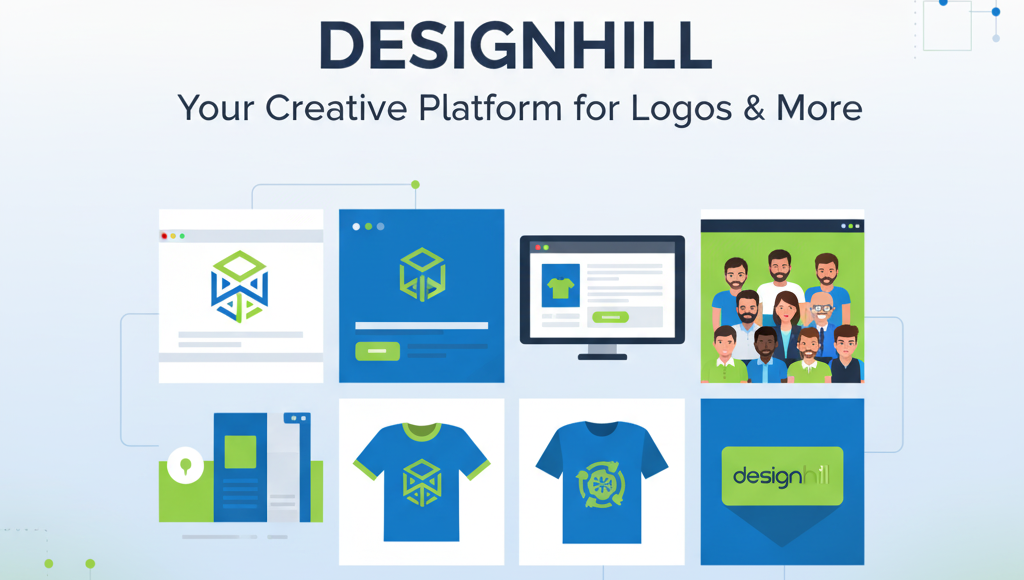
Designhill offers a smooth experience for beginners. Its AI engine creates logo suggestions after collecting brand information. The interface remains simple and clear which makes the tool suitable for anyone new to design. After choosing a base concept, the design can be shaped further through font selection, layout adjustments, and icon changes. Export options like PNG, SVG, and PDF make it convenient to use the logo across all platforms.
Best Tools for Drag and Drop Designing
Some users prefer hands on control over AI automation. Drag and drop tools allow greater freedom to experiment and shape ideas manually.
Canva
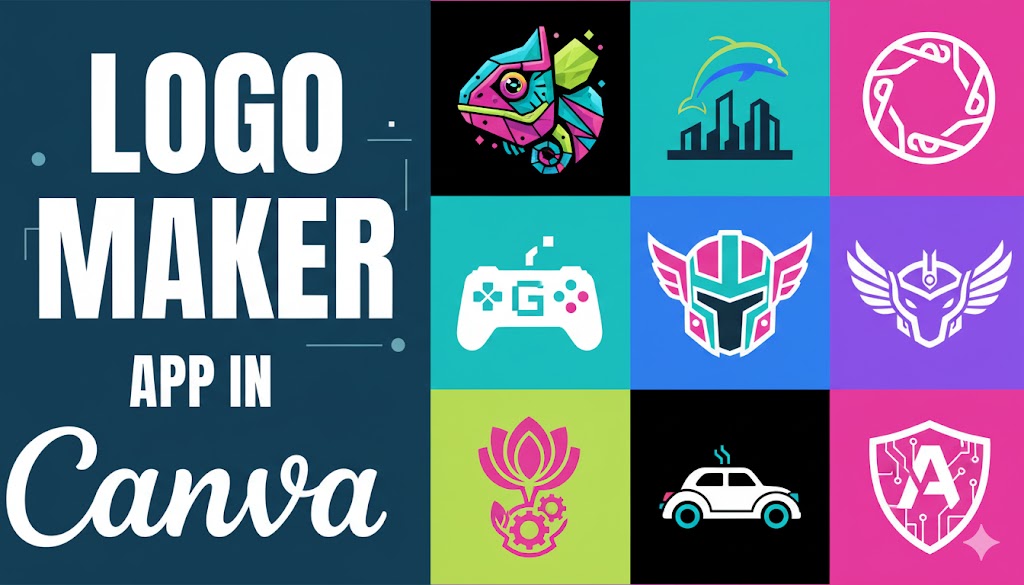
Canva is known for its friendly layout that feels simple even for someone with no design background. The platform offers many ready made templates, modern fonts, and color choices. Real time collaboration allows teams to work on a logo together. Canva works well for small businesses that need quick changes and smooth communication within their team. Exporting files in PNG, PDF, or SVG makes it suitable for both digital use and printing.
Logo Maker App
This tool is especially useful for mobile users. It offers a large collection of icons, shapes, and templates. Drag and drop features make the creative process enjoyable and effortless. This AI logo generator stands out because it supports beginners without overwhelming them. It helps produce clean and modern designs that fit various industries. It is valuable for users who want fast creation through a phone or tablet.
Professional Grade Logo Design Software
Not every business needs advanced editing tools, but some do. Professional software is suitable for those who want deeper control and detailed customization.
Adobe Illustrator
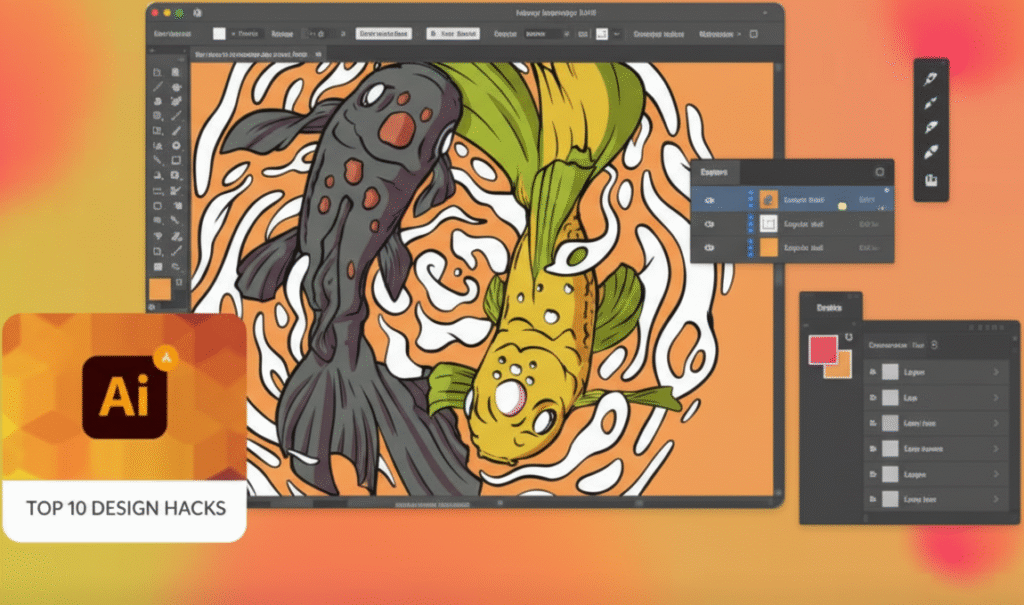
This platform is known for its precision and premium output. Designers use it to create scalable logos with full control over every curve, color, and Typography choice. The software includes thousands of fonts, advanced color systems, brushes, grid settings, and professional exporting tools. Although it requires learning time, it rewards users with complete creative freedom and unmatched quality.
CorelDraw
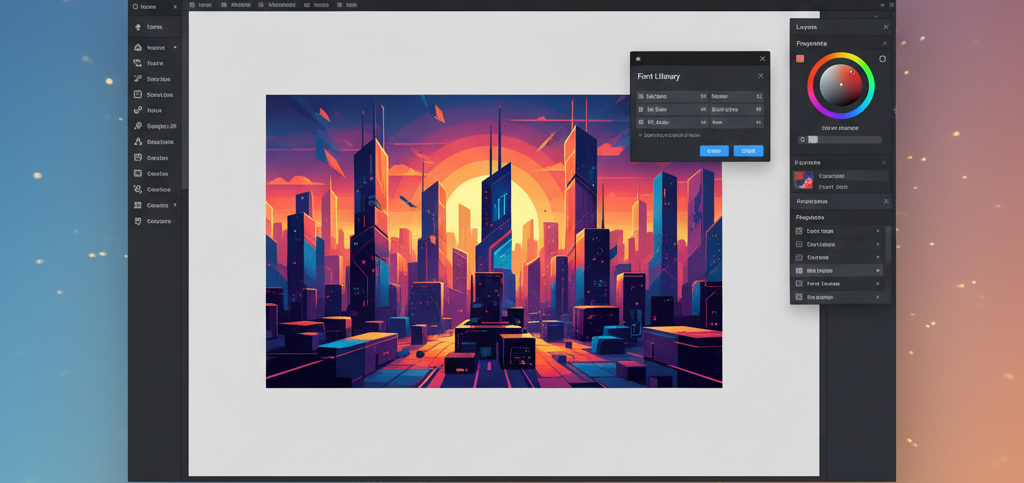
CorelDraw is another strong choice for professional designers. It supports vector editing, clean outlines, custom font work, and detailed shapes. The tool includes thousands of images, fonts, and templates. It is suitable when a brand requires a polished look with careful attention to detail. It works well for businesses that want a long term and deeply refined brand icon.
Open Source and Budget Friendly Logo Tools
Some businesses want powerful tools without paying high subscription costs. Open source platforms provide strong features at no cost.
Inkscape
Inkscape is a trusted solution for those looking for free professional editing. It offers vector design capabilities similar to premium software. Tools include calligraphy pens, shape editors, color selectors, and gradient controls. Export formats include SVG, PDF, and PNG which help maintain quality. Beginners may experience a learning curve but online tutorials make the process easier. Once understood, it becomes a reliable asset for long term design needs.
Final Thoughts
A company logo carries the essence of a brand. Choosing the right tool shapes how the business will be perceived by customers. Some tools offer fast results while others provide advanced editing possibilities. The best choice depends on the brand vision, available time, and comfort with design.
AI based tools deliver instant ideas, drag and drop tools bring simple creativity, professional software offers precision, and open source platforms support cost friendly flexibility. With the right tool, creating a memorable brand identity becomes far easier and far more enjoyable.