




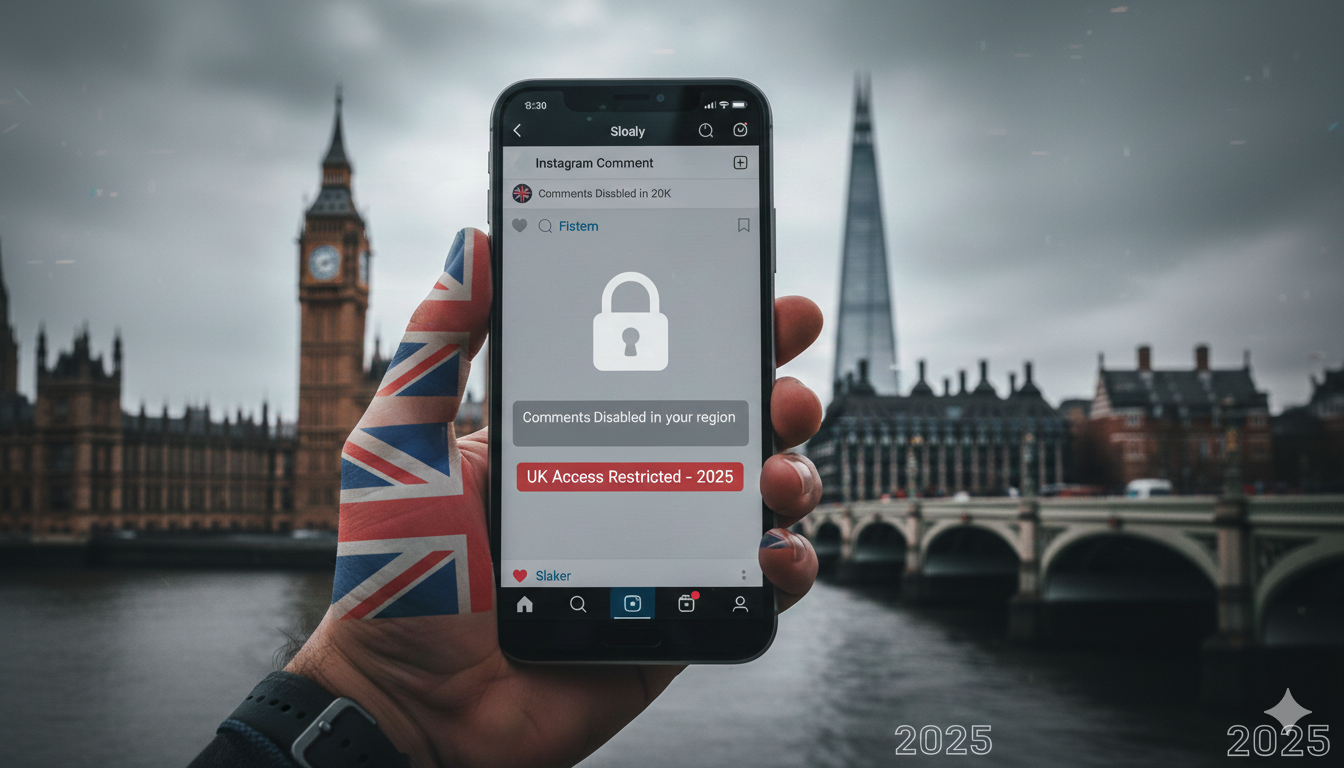
Instagram is part of daily life for many people in the UK. Some use it to share moments with friends, while others rely on it for work, business or creative projects. Over the past months, something unusual has been happening on the platform. People open the app, try to leave a comment and suddenly realise they cannot. The option disappears or refuses to work, and no clear message explains why. This leaves creators, small brands and regular users wondering what went wrong and why their comments are being blocked without any warning.
This detailed guide explains why comments may be disabled, how the issue affects users in the UK, the most common reasons behind the problem and practical methods to fix or avoid it. Everything is explained naturally and simply so anyone can understand and follow.
Why Are Comments Being Disabled on Instagram?
Many users first notice the issue when they open the app and see that the comment option is missing or they receive a message that commenting is restricted. Instagram does not always explain what triggered this. The confusion often grows when users can still like posts or view stories but cannot comment.
Instagram has an advanced system designed to maintain a healthy and safe environment. When something unusual happens on an account, the platform may limit features temporarily. The system works automatically and reacts to patterns that appear similar to spam, bots or abusive behaviour. Sometimes this automated moderation becomes overly sensitive, and innocent UK users end up facing comment restrictions.
Another major reason comments get disabled relates to account settings from the post creator. If someone turns off comments on a specific post or restricts who can comment, you may think you are experiencing an app issue when actually the post owner made the change.
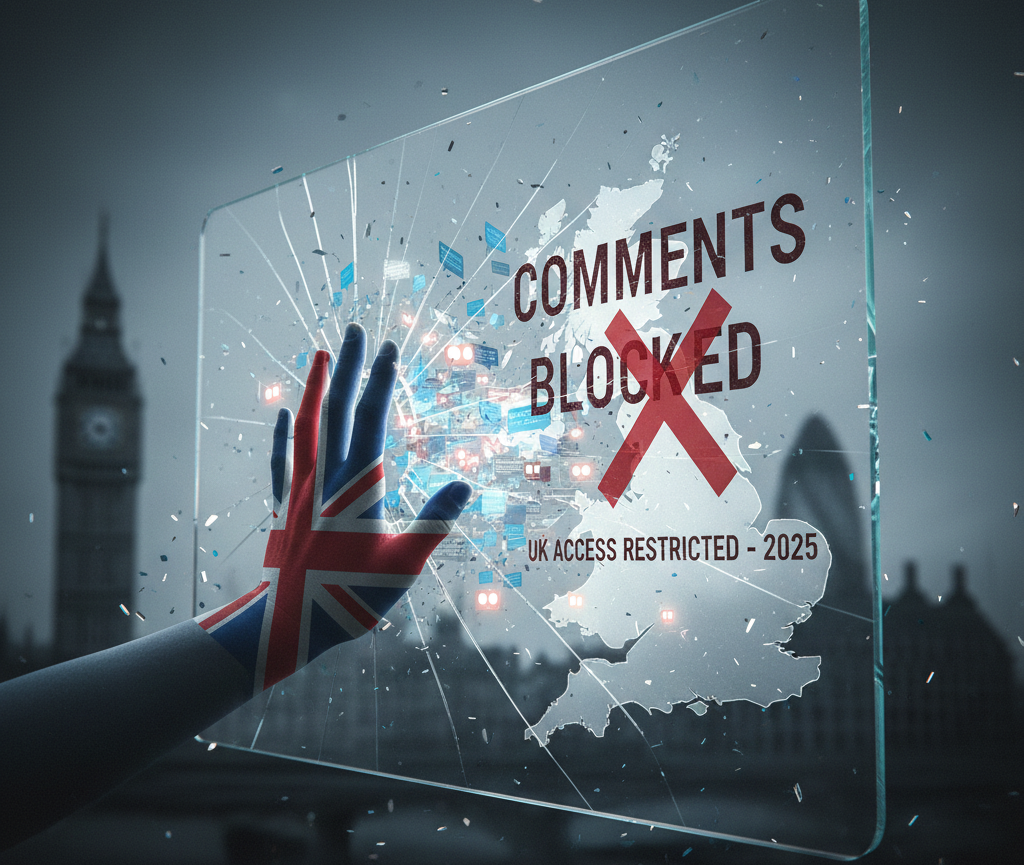
The Impact of Comment Disabling on UK Instagram Users
When comments suddenly stop working, the impact is more than just inconvenience. In the UK, Instagram plays a major role in digital communication and community engagement. For many small businesses, influencers and content creators, comments contribute directly to visibility and trust.
Effect on Content Engagement
UK creators often depend on comment activity to boost performance. High engagement tells the Instagram algorithm that people value the content. When commenting stops, engagement drops, reach decreases and overall visibility suffers. Anyone building an online presence in the UK digital space feels this deeply.
Effect on Customer Interaction for UK Businesses
Many UK based businesses rely on Instagram comments for customer questions, feedback, reviews and product updates. When customers cannot comment or interact, the business appears unresponsive. This can impact brand reputation and lower customer trust.
Effect on Overall User Experience
Regular UK users who enjoy sharing thoughts under posts, reacting to updates or participating in community conversations become frustrated. The problem reduces enjoyment and affects communication with friends, communities and favourite creators.
Common Reasons Behind the Instagram Comment Disable Problem
There are several factors behind this growing issue. Some come from Instagram policies, and others from user activity or technical errors. Understanding the root cause makes it easier to fix the problem quickly.
Community Guidelines Violations
Instagram automatically limits accounts that appear to break community rules. You do not always need to intentionally violate guidelines. Even normal actions can look suspicious to the system. Some reasons include:
- Excessive commenting in a very short time
- Repeated posting of similar comments
- Using certain phrases or emojis that the system misreads
- Engaging with content that is flagged by others
Technical Errors or App Glitches
Sometimes the problem has nothing to do with behaviour or settings. Instagram often updates its systems which may cause temporary bugs. UK users might experience comment issues due to:
- Outdated app version
- Temporary server outages
- Regional testing of new moderation tools
- Cache conflicts
- Device compatibility issues
Some UK users accidentally disable comments on their own posts or change their privacy settings. The problem is common when Instagram introduces a new privacy update and resets certain features.
Privacy or Comment Restriction Settings
Creators might restrict comments to followers only. If someone is not following them or is newly following them, comments may not appear.
Shadow or Temporary Restrictions
Instagram sometimes places accounts under temporary observation when their activity appears risky. These temporary restrictions prevent commenting for a few hours or days. Many UK users face this when they grow their accounts quickly or run new marketing campaigns.
Reporting and Resolving Comment Issues on Instagram
When comments stop working, the best approach is calm and step by step. Instagram usually resolves the issue once the cause is identified. Here are the most effective ways to fix it.
Check Account Status
Instagram offers an account status section that shows if any restrictions are active. This tool helps users understand whether commenting is disabled for policy reasons. If something is flagged, follow the provided instructions to resolve it.
Update the App
Always keep the Instagram app updated. UK users especially face issues during rollouts of new features. Updating ensures compatibility and reduces chances of comment problems.
Try Logging Out and Logging In
A simple sign out and sign in refreshes the app environment and removes internal glitches. It helps the system realign your account with Instagram servers.
Clear Cache
For Android users, app cache often creates conflicts. Clearing cache restores smooth functionality and may fix the comment disable issue instantly.
Disable VPN
Many UK users use VPN services for browsing. Instagram may detect unusual location changes and restrict features. Temporarily turning off VPN helps restore normal behaviour.
Reinstall the App
If all basic steps fail, reinstalling the app usually fixes deeper technical issues.
Report the Issue to Instagram Support
If the problem continues, use the Report a Problem option inside the Instagram settings. Explain that comments are disabled, and your account will be reviewed. Most reports get resolved within a short time.
Tips to Avoid the Instagram Comment Disable Problem
Prevention is better than recovery. There are reliable methods to avoid triggering restrictions and to keep accounts safe.
- Engage at a natural pace. Avoid posting many comments at once.
- Use meaningful comments rather than repetitive or short phrases.
- Avoid using third party tools that automate engagement.
- Maintain a healthy profile with complete details and consistent activity.
- Follow UK community guidelines and avoid content that appears misleading or harmful.
- Avoid sudden spikes in activity such as liking or commenting hundreds of posts in a short time.
- Monitor account status regularly to ensure smooth functioning.
Alternative Methods of Engaging Your Audience
If comments stay disabled temporarily, users can still keep audiences active and connected. Many creators and businesses in the UK use alternate engagement methods that work well even without comments.
Use Direct Messages
Followers who want to share feedback or ask questions can send direct messages. This method helps maintain personal connections and can even build stronger relationships.
Use Instagram Stories
Stories offer features such as question boxes, polls and reaction sliders. These tools encourage fast and meaningful engagement without relying on comments.
Post Engagement Focused Content
Using call to action prompts in captions encourages people to react through likes, shares or story replies. This maintains engagement and keeps your content active on the platform.
Use Live Sessions
Live sessions invite real time interaction and do not depend on the comment system in the same way. UK creators often use live sessions to maintain their community when technical issues appear.
Final Words
Many people in the UK have started noticing that their comments on Instagram suddenly stop working. It has become a familiar problem for creators, small businesses and even casual users. The situation feels annoying at first, but the positive thing is that it usually does not last long. Once the real cause is understood, the issue can be fixed without much trouble.
When users slow down their activity, check the settings and avoid anything that looks unusual to Instagram, the platform usually restores commenting on its own. And even if comments stop for a while, there are still plenty of ways to stay connected with followers.
This guide was created to give UK users a simple and helpful explanation so they can deal with the issue without stress. When the account settles and the system updates, the comment section almost always comes back, allowing engagement to grow again like normal.
FAQs
Instagram stories do not have a comment option, but they allow replies. To turn off replies, open your story settings and choose who can reply. You can set it to no one, which stops all message reactions to your story.
If comments are hidden due to the Hidden Words feature, go to your settings and open the Hidden Words section. Turn off the filters or remove any blocked words. Once the filters are disabled, the comments will appear again.
Open your reel and tap the three dots on the right side. Select the option that manages comments. You will see a toggle to turn comments off. Once switched off, no one can comment on that reel.